Storage Cost & Savings Calculator
Compare Storage Options
Enter the price and capacity to see the true cost per Terabyte.
(Based on 2026 market averages)
Cloud vs. Local: The 5-Year Savings Trap
See how much you save by buying a hard drive once versus paying for cloud storage every month.
Local Hardware (One-time)
Cloud Subscription (Recurring)
You Save $500.00
by choosing local storage over cloud for 5 years.
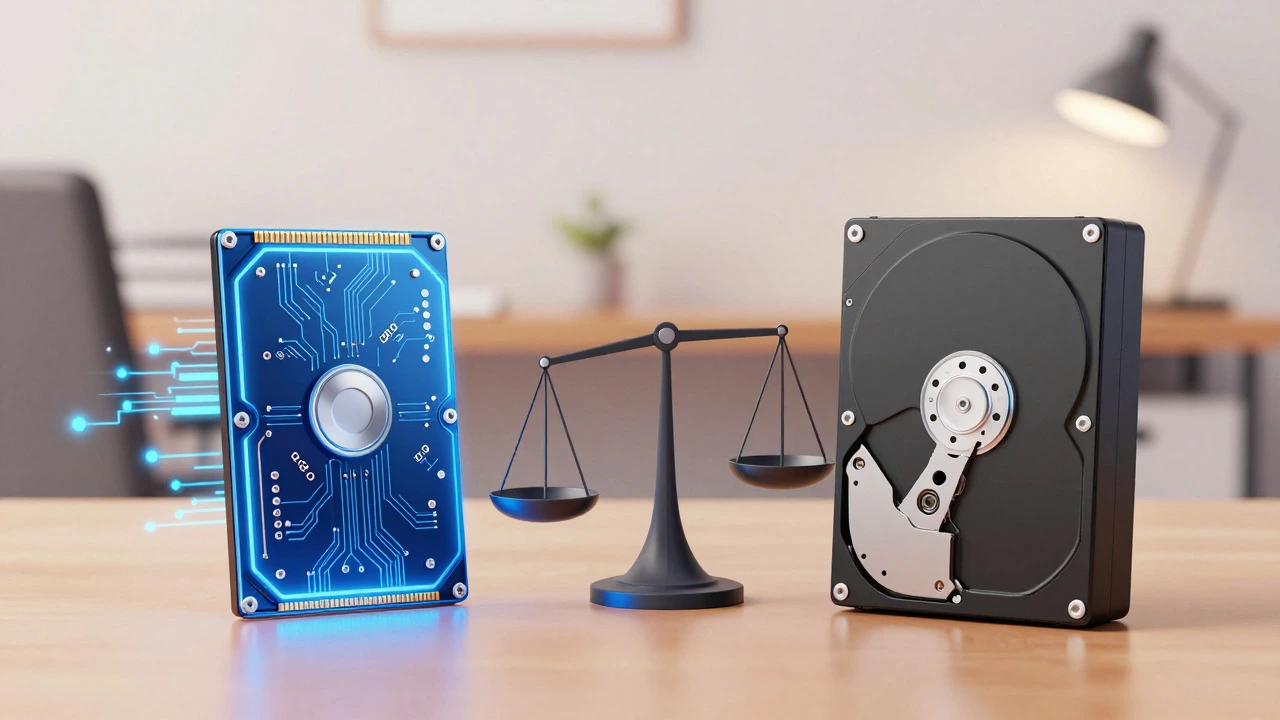
You have a mountain of photos, videos, and documents piling up. Your phone is screaming at you to clear space, and your laptop is running slow. The immediate solution seems obvious: buy more storage. But not all storage is created equal, and certainly not priced equally. If you are looking for the absolute cheapest way to store data, the answer isn't just about the price tag on the box. It is about the cost per terabyte.
In mid-2026, the landscape of digital storage has shifted slightly with the maturation of NVMe drives and the steady decline in mechanical hard drive prices. However, the hierarchy remains stubbornly consistent. If you want raw capacity for the lowest dollar amount, there is one clear winner. But if you need speed or accessibility, that winner might leave you frustrated. Let’s break down exactly which device gives you the most bytes for your buck, where the hidden costs lie, and how to choose without breaking the bank.
The Unbeatable King: Mechanical Hard Disk Drives (HDD)
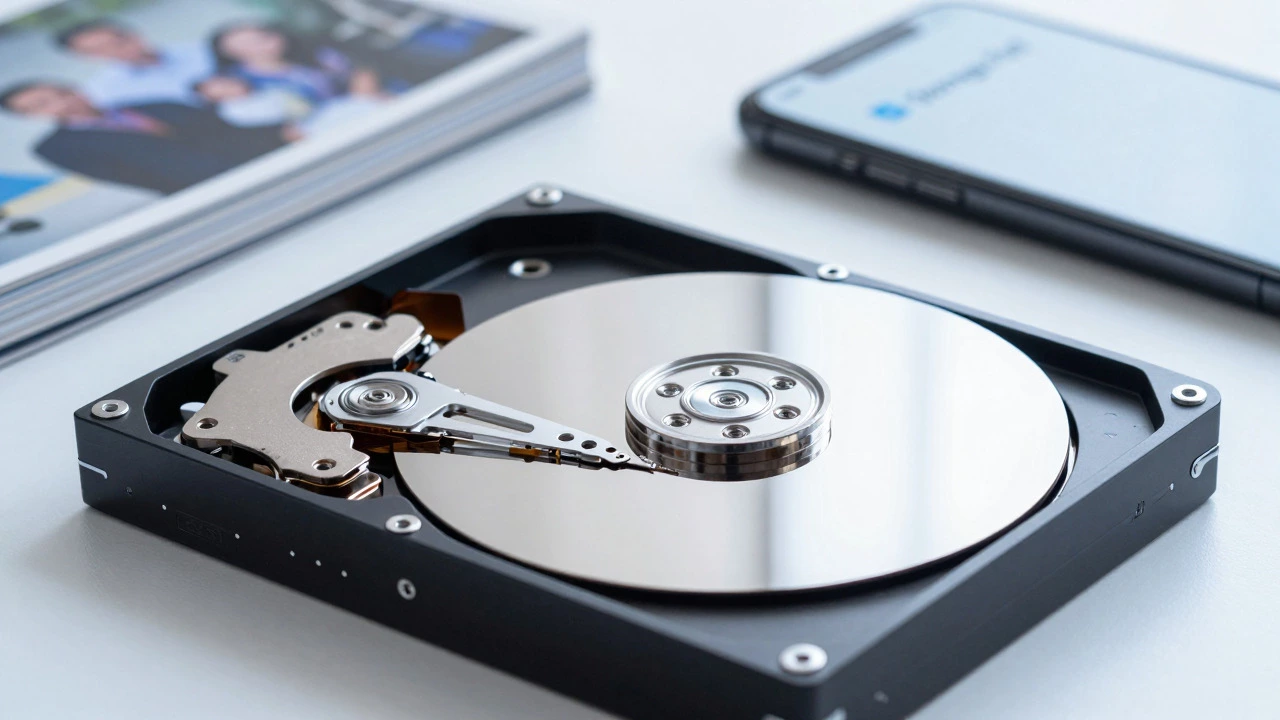
If we are talking purely about the number of gigabytes you can stuff into a drawer for the least amount of money, the Mechanical Hard Disk Drive, commonly known as an HDD, is the undisputed champion. These devices use spinning magnetic platters and a moving read/write head to store data. They have been around since the 1950s, and while they feel ancient compared to modern technology, their physics allows them to remain incredibly cheap to manufacture at scale.
As of July 2026, you can find reliable 4TB to 8TB desktop HDDs from major manufacturers like Seagate and Western Digital for roughly $80 to $120. That breaks down to approximately $10 to $15 per terabyte. For comparison, entry-level Solid State Drives (SSDs) often hover around $30 to $50 per terabyte for similar capacities. If you need to archive decades of family videos or back up a large photo library that you rarely access, the HDD is the only logical choice. You get massive volume for pennies on the dollar compared to flash-based alternatives.
However, "least expensive" comes with caveats. HDDs are fragile. Because they rely on delicate mechanical parts spinning at 5,400 or 7,200 RPM, they are susceptible to physical shock. Drop an external HDD, and you risk shredding your data. They are also significantly slower than SSDs, making them poor choices for booting operating systems or editing high-resolution video directly off the drive. Their job is simple: sit still, spin quietly, and hold your files.
The Speed Trap: Why SSDs Are Not the Cheapest Option
Solid State Drives, or SSDs, have taken over the world of active computing. They use NAND flash memory to store data, meaning there are no moving parts. This makes them faster, quieter, and more durable than HDDs. But speed costs money. Manufacturing flash memory is more complex and energy-intensive than stamping out magnetic platters.
In 2026, SATA SSDs (the older, slower type) have seen price drops, bringing some 1TB models down to around $60-$70. That’s still nearly double the cost-per-terabyte of an HDD. NVMe SSDs, which connect directly to the motherboard for blistering speeds, are even pricier. While prices fluctuate based on supply chain dynamics, you will rarely see an NVMe drive drop below $40 per terabyte for consumer-grade units.
So, why would anyone buy an SSD if it’s more expensive? Because time is money. If you are storing data you access daily-like work projects, games, or active databases-the slight premium for an SSD pays for itself in productivity and convenience. But for pure archival storage? Stick to the spinning rust of the HDD.
The Hidden Cost of Cloud Storage
Many people assume cloud services like Google Drive, Dropbox, or Microsoft OneDrive are "free" because they offer a few gigabytes upon sign-up. This is a dangerous misconception. When you start paying for serious storage, the cloud becomes the most expensive option by far.
Let’s look at the math. In 2026, a standard 2TB plan on most major cloud providers costs between $10 and $12 per month. Over a single year, that’s $120 to $144. Over five years, you are looking at nearly $700. Compare that to a one-time purchase of a 4TB external HDD for $100. The HDD wins decisively. The cloud’s value proposition isn’t low cost; it’s accessibility and redundancy. You pay extra to be able to access your files from any device, anywhere, with automatic syncing and backup handled by someone else.
If your goal is simply to save money and keep your data safe, the cloud is a luxury tax. Only use it for small amounts of critical data that needs to be accessible on multiple devices, or as a secondary backup layer after you’ve already secured your primary copies on local hardware.
Niche Contenders: USB Flash Drives and SD Cards
What about those tiny sticks you plug into your computer? USB Flash Drives and SD Cards are convenient, but they are terrible value for bulk storage. A 256GB USB drive might cost $20, which sounds cheap until you realize that’s $80 per terabyte. SD cards used in cameras and phones are even worse, often exceeding $100 per terabyte for high-speed variants.
These devices are designed for portability and transfer, not for being your primary storage repository. They are also prone to loss and corruption. If you lose a USB drive, you lose your data. If you lose an external HDD, you can at least try to recover it with professional help. For long-term, low-cost storage, these portable options are essentially dead ends.
Comparison: Cost Per Terabyte Breakdown
| Storage Type | Typical Capacity | Approximate Price | Cost Per TB | Best Use Case |
|---|---|---|---|---|
| Mechanical HDD (Desktop) | 4TB - 8TB | $80 - $120 | $10 - $15 | Cold storage, backups, media libraries |
| SATA SSD | 1TB - 2TB | $60 - $120 | $30 - $60 | Secondary game drives, older PC upgrades |
| NVMe SSD | 1TB - 2TB | $70 - $150 | $40 - $75 | OS drives, high-performance editing |
| Cloud Storage (Annual) | 2TB | $120/year | $60+ | Accessibility, collaboration, mobile sync |
| USB Flash Drive | 256GB | $20 | $80 | File transfer, small presentations |
Strategies for Maximizing Value
Knowing that HDDs are the cheapest doesn't mean you should just buy the first one you see. To truly minimize costs while maximizing safety, consider these strategies:
- Buy Larger Capacities: The cost-per-terabyte drops significantly as you move from 1TB to 4TB, and again from 4TB to 8TB or 14TB. A single 14TB enterprise-grade HDD might cost $150, bringing the per-TB cost down to under $11. Small drives are inefficient.
- Consider Refurbished Enterprise Drives: Data centers retire thousands of high-quality HDDs every year. Reputable refurbishers sell these drives at a fraction of the retail price. Just ensure they come with a warranty. These drives are built for 24/7 operation and often outlast consumer models.
- The 3-2-1 Backup Rule: Cheap storage is useless if it fails and you lose everything. Keep three copies of your data, on two different types of media, with one copy offsite. This means buying two HDDs (one for daily use, one for backup) and perhaps using a cheap cloud service for just your most critical documents. This balances cost with security.
- Avoid Proprietary Enclosures: Some external drives use proprietary connectors that make it hard to swap the drive if the enclosure breaks. Look for drives that use standard USB-C or USB-A connections, or buy internal drives and put them in generic, affordable enclosures.
Common Pitfalls to Avoid
When hunting for the cheapest storage, it's easy to fall into traps that end up costing you more in the long run. First, beware of "green" or eco-friendly drives that aggressively park their heads to save power. While they sound nice, this behavior can lead to longer seek times and potential wear issues if accessed frequently. Second, don't mix old and new technologies unnecessarily. Trying to squeeze performance out of a decade-old IDE drive is a waste of time; modern SATA III interfaces are ubiquitous and cheap.
Another pitfall is ignoring failure rates. All storage devices fail eventually. HDDs have a higher failure rate than SSDs due to mechanical wear. If you buy the absolute cheapest, lowest-tier brand-name drive, you might save $10 upfront but risk losing terabytes of data. Stick to reputable brands like Seagate, Western Digital, Toshiba, or Samsung. Their quality control ensures that the low price reflects manufacturing efficiency, not corner-cutting on materials.
Conclusion: What Should You Buy?
If your sole metric is price per gigabyte, the answer is clear: buy a large-capacity mechanical hard disk drive. An 8TB or 14TB desktop HDD offers the best balance of affordability and capacity available in 2026. It will serve as a robust vault for your memories, media, and archives without draining your wallet.
Reserve SSDs for your operating system and active projects where speed matters. Treat cloud storage as a convenience fee for accessibility, not a primary storage solution. And leave the USB drives for transferring files between computers. By understanding the true cost structure of storage, you can build a home data ecosystem that is both economical and resilient.
Is it cheaper to buy one large hard drive or multiple smaller ones?
It is almost always cheaper to buy one large hard drive. The cost per terabyte decreases as capacity increases. For example, a 14TB drive will cost significantly less per TB than seven 2TB drives. Additionally, a single large drive uses less power and takes up less physical space.
Do external hard drives last longer than internal ones?
Not necessarily. Many external hard drives contain the exact same internal components as desktop drives, just housed in a plastic case with a USB bridge board. Internal drives often have better cooling because they are inside a computer case with airflow, whereas external drives can overheat if placed in enclosed spaces. Durability depends more on usage patterns and handling than whether the drive is labeled "external" or "internal."
Can I use an SSD for long-term archival storage?
Technically yes, but it's not recommended for cold storage. SSDs store data in electrical charges within flash cells. If an SSD sits unpowered for several years, these charges can leak, leading to data degradation or loss. HDDs, which use magnetic platters, are much more stable for long-term, unpowered storage. If you must archive on SSD, check and refresh the data every 1-2 years.
Are refurbished hard drives worth the risk?
Refurbished enterprise drives can be excellent value if bought from reputable sellers who test and warranty the units. These drives were built for heavy-duty server environments and often have very few hours of actual use before being retired. However, avoid buying used consumer drives from unknown sources, as they may have hidden bad sectors or impending failures.
How often should I replace my hard drives?
There is no fixed timeline, but most mechanical hard drives have a lifespan of 3 to 5 years under normal use. You can monitor the health of your drive using software like CrystalDiskInfo (Windows) or Smart Utility (Mac). Look for signs of reallocated sectors or pending errors. If you follow the 3-2-1 backup rule, the age of the drive matters less because you always have a fresh copy elsewhere.